 Console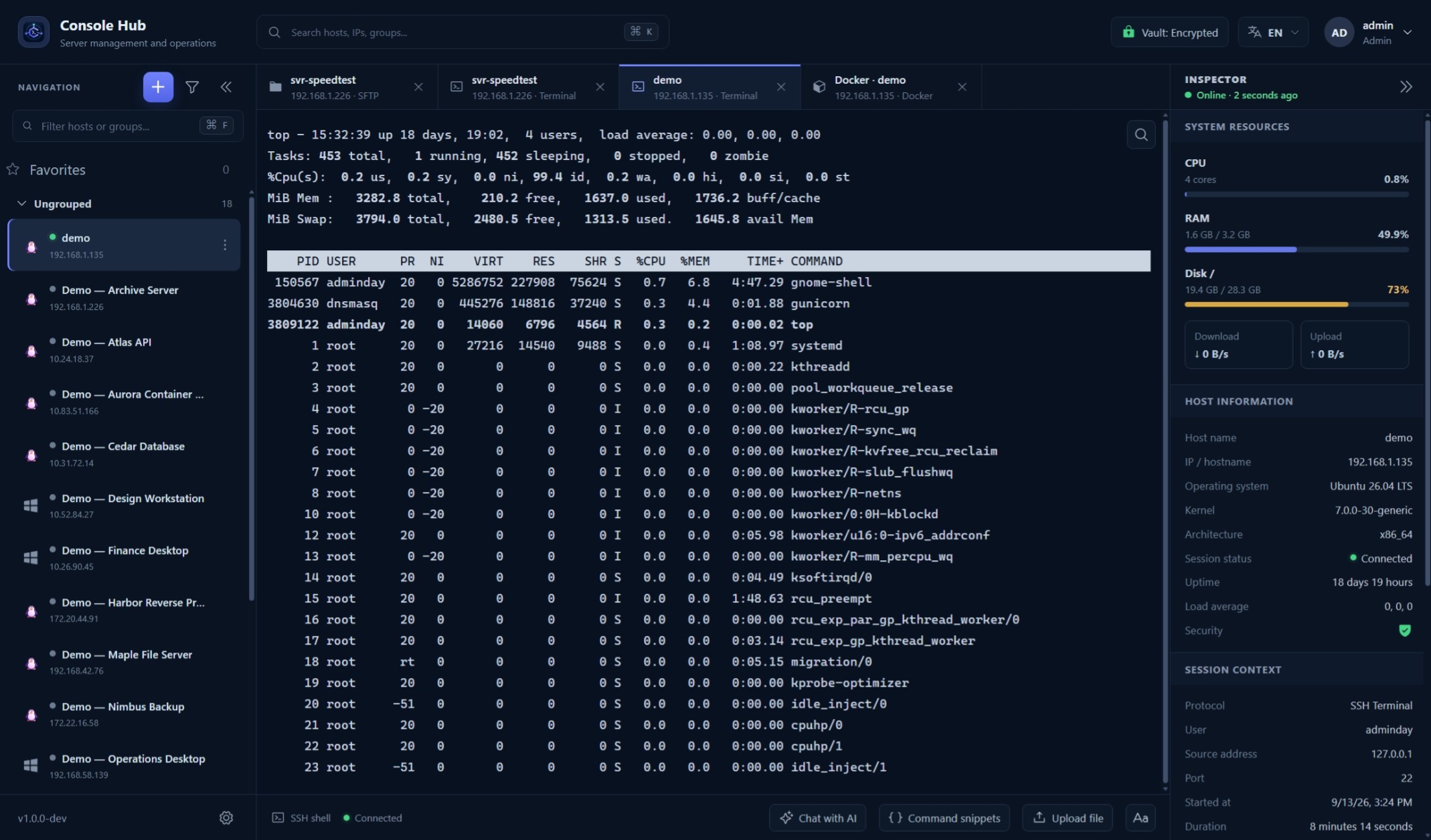
Connect from a saved host
Choose a host with an SSH profile and open its terminal. Console Hub handles the SSH connection on the backend and displays the session in your browser. Saved passwords and private keys are not delivered to the browser.
Switch between active sessions
Labelled tabs let you move between active host sessions. Keep SFTP and Docker workspaces alongside the terminal. Command snippets provide reusable commands; review their contents and target before running them.
Verify the host identity
Use an authorized account and review host-key verification prompts. A changed key can reflect a rebuild or an unexpected destination; confirm it through a trusted channel before accepting. Console Hub access permissions do not replace permissions on the remote host.
Audit logs and session recording
Audit records describe supported actions and their results. Terminal input and output are not recorded as session content. Connectivity depends on the route from your installation to the remote host.